01
Upload Your Image
Drop in a product shot, outfit photo or artwork. Pictx detects the objects and regions automatically.
 Pictx
Recolor products, outfits, logos and artwork with AI. Test unlimited colorways on a single photo — no reshoots, no manual masking.
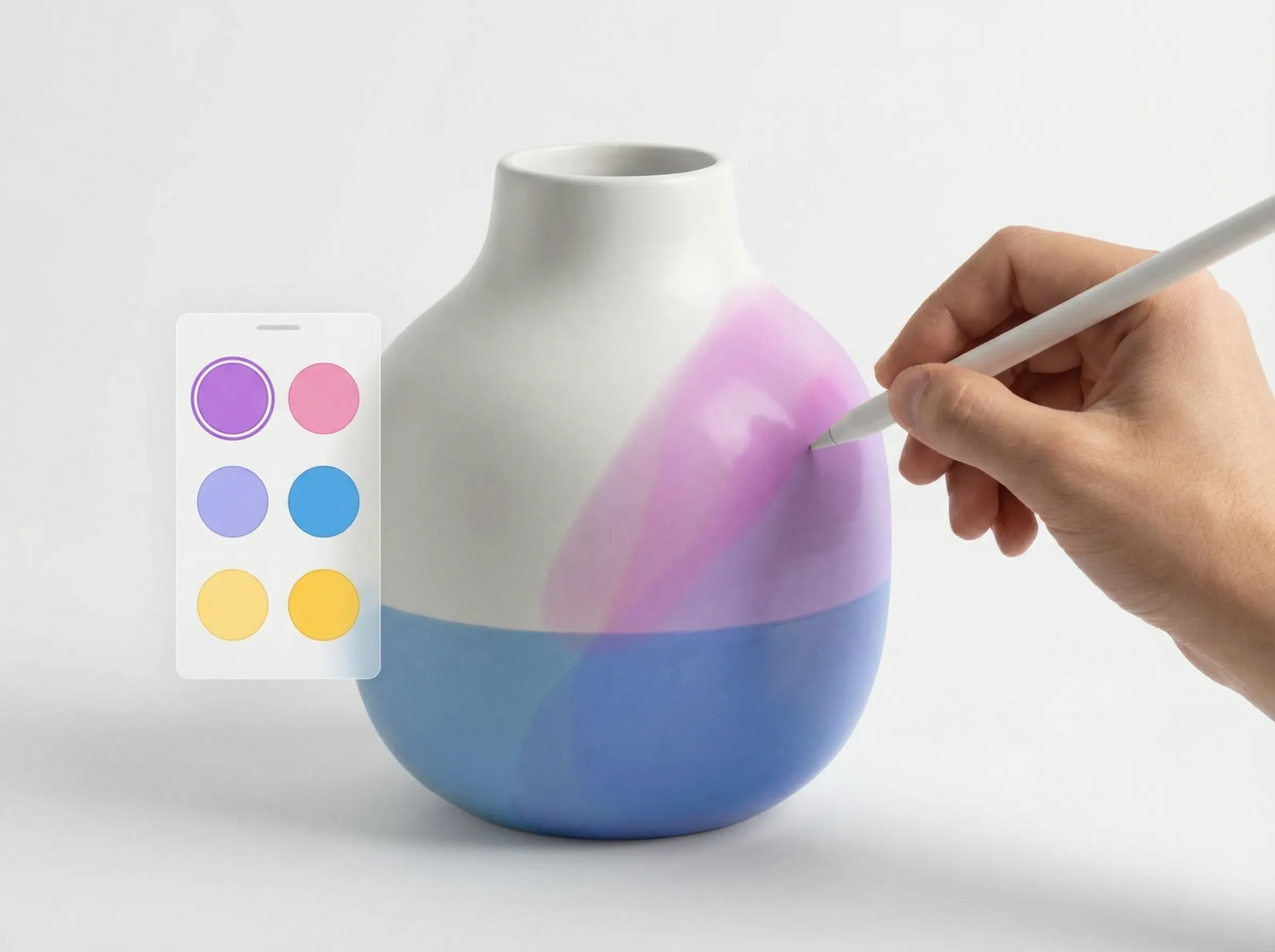
Drop in a product shot, outfit photo or artwork. Pictx detects the objects and regions automatically.
Choose new colors or describe the palette you want. Preview multiple colorways side by side.
Export the recolored image in high resolution, ready for listings, campaigns or design work.
AI isolates the object you want to recolor and preserves shadows, texture and lighting.
Generate every colorway of a product from one photo — ideal for e-commerce catalogs.
Skip the pen tool. Describe or click the area and get a clean recolor in seconds.
Yes. New accounts receive welcome credits that cover recoloring and other editing tools.