01
Describe the Shot
Write the scene, action and camera movement — or upload a still image to animate.
 Pictx
Google DeepMind’s video model — native audio, dialogue and the most realistic footage generation available.
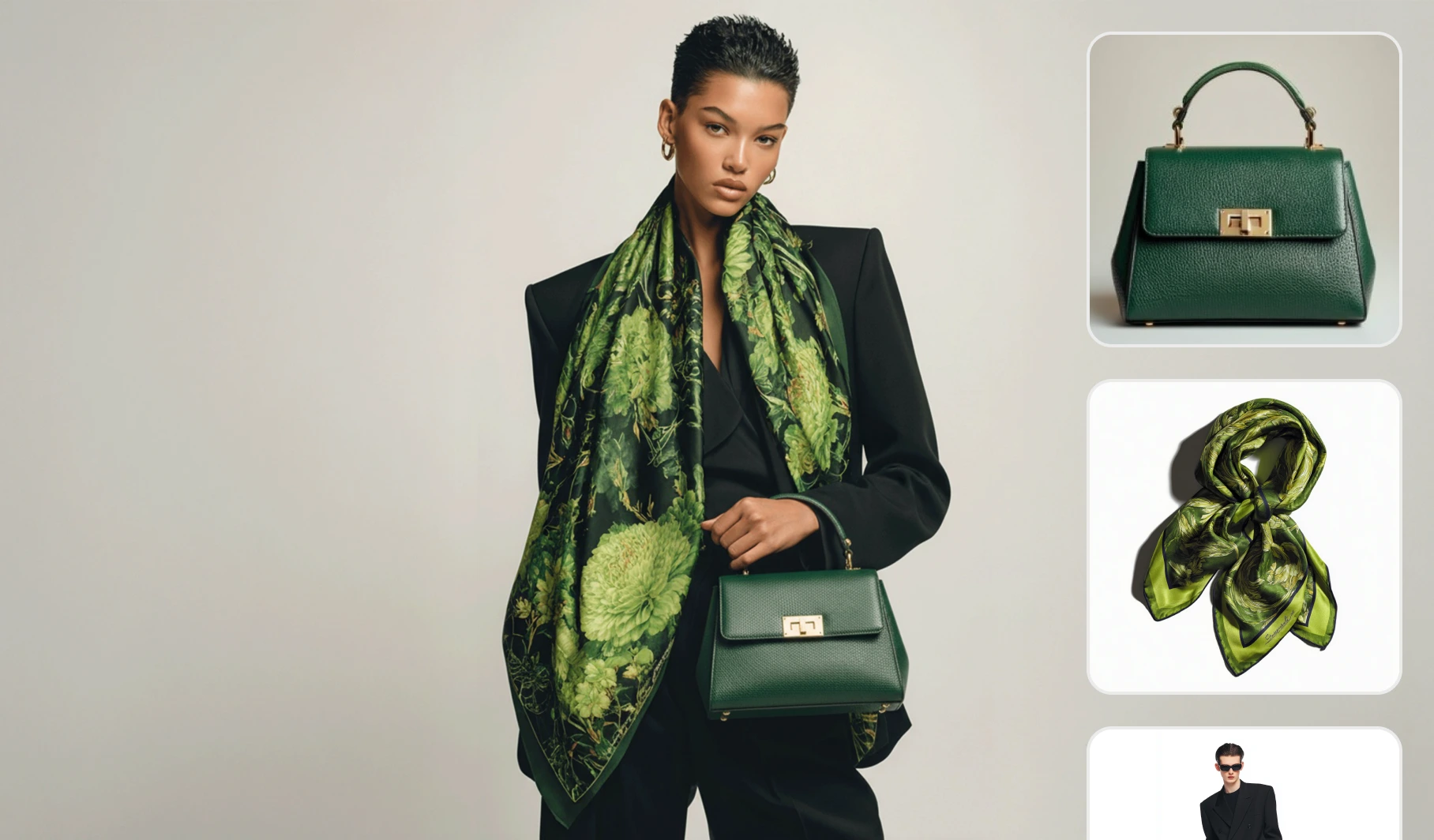
Write the scene, action and camera movement — or upload a still image to animate.
Choose Veo 3.1 in the studio, then set duration and aspect ratio for your target platform.
Preview the clip, regenerate variations, then download or extend it in the studio.
Generates synchronized sound effects, ambience and spoken lines with the video.
Live-action look that frequently passes for real camera footage.
Characters’ lip movements match generated speech convincingly.
Yes. New accounts receive welcome credits you can spend on Veo 3.1 and every other model. Each generation shows its credit cost upfront.