01
Upload Your Image
Add the photo you want to expand — product shots, portraits or landscapes all work.
 Pictx
Outpaint any image with AI. Turn vertical shots into banners, uncrop tight frames and extend backgrounds seamlessly in any direction.
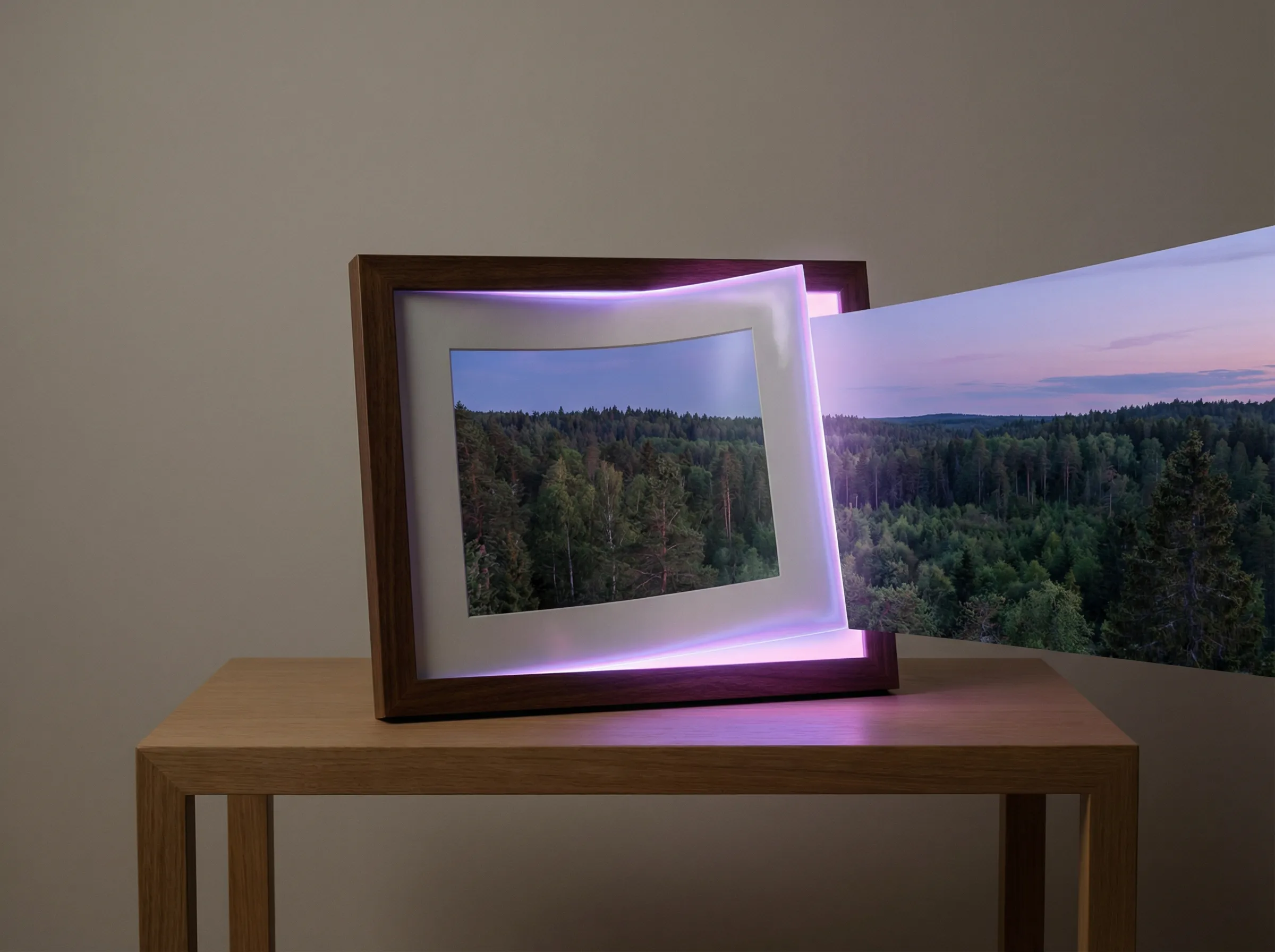
Add the photo you want to expand — product shots, portraits or landscapes all work.
Pick a target aspect ratio or drag the borders outward to where the new canvas should be.
AI fills the new area with matching scenery, texture and lighting. Download in high resolution.
Extended regions match the original scene — sky, walls, floors and backgrounds continue naturally.
Convert 1:1 to 16:9 banners, 9:16 stories or custom ad sizes without re-shooting.
Give cramped product shots and portraits breathing room with context-aware expansion.
Yes. New accounts get welcome credits that can be used for image extension and other tools.