01
Write Your Prompt
Describe the subject, scene, lighting and style you want. Be as specific as you like.
 Pictx
OpenAI’s flagship image model for precise prompt-following, clean text rendering and studio-grade photorealism.
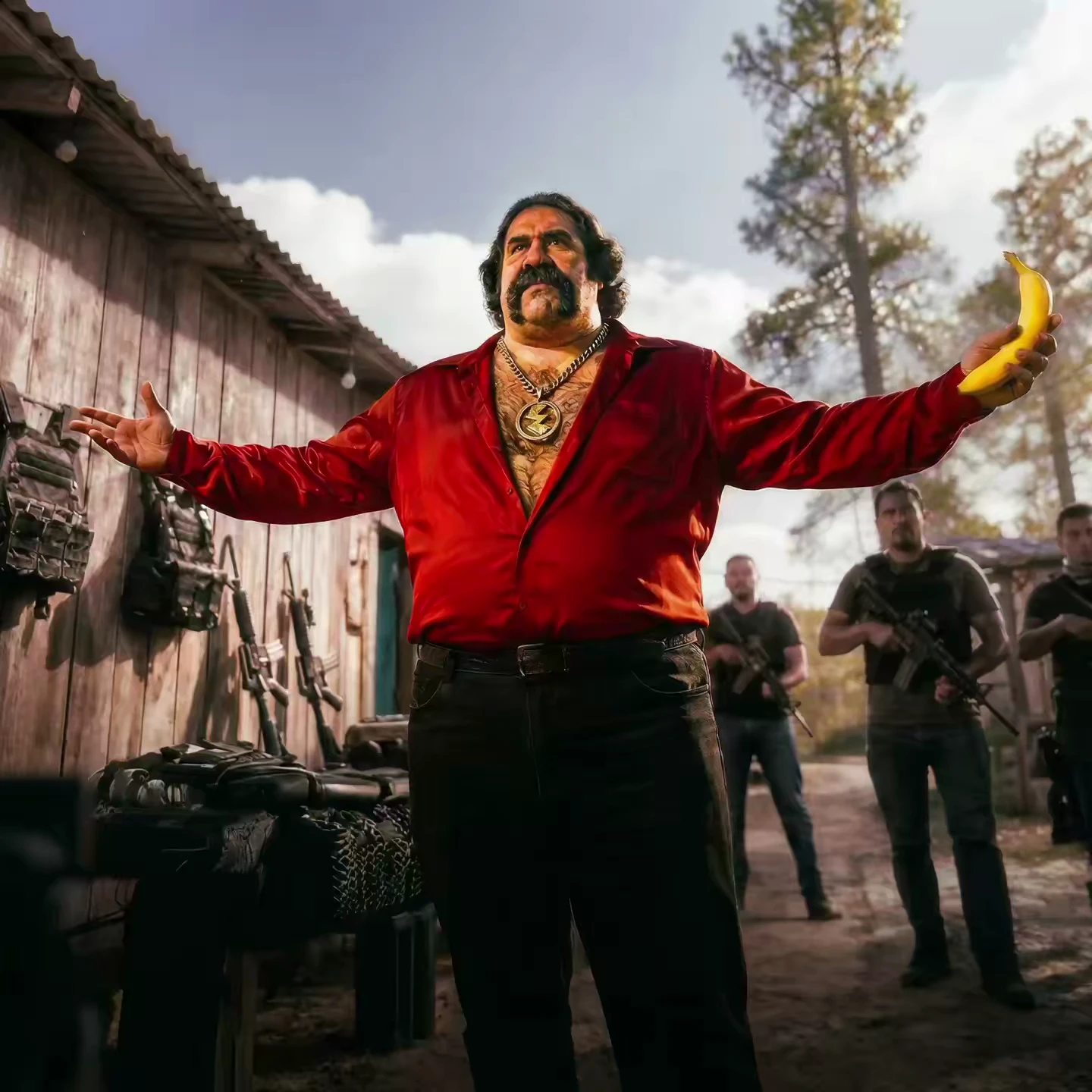
Describe the subject, scene, lighting and style you want. Be as specific as you like.
Pick GPT Image 2.5 from the model list in the studio, then set aspect ratio and resolution up to 4K.
Preview the result in seconds. Download, edit further, or send it to image-to-video.
Renders legible headlines, labels and UI text inside images — ideal for posters, ads and packaging.
Complex multi-subject prompts land accurately — counts, positions and attributes stay faithful.
Product photography, portraits and lifestyle shots with convincing light and material detail.
Yes. New accounts receive welcome credits you can spend on GPT Image 2.5 and every other model. Each generation shows its credit cost upfront.